
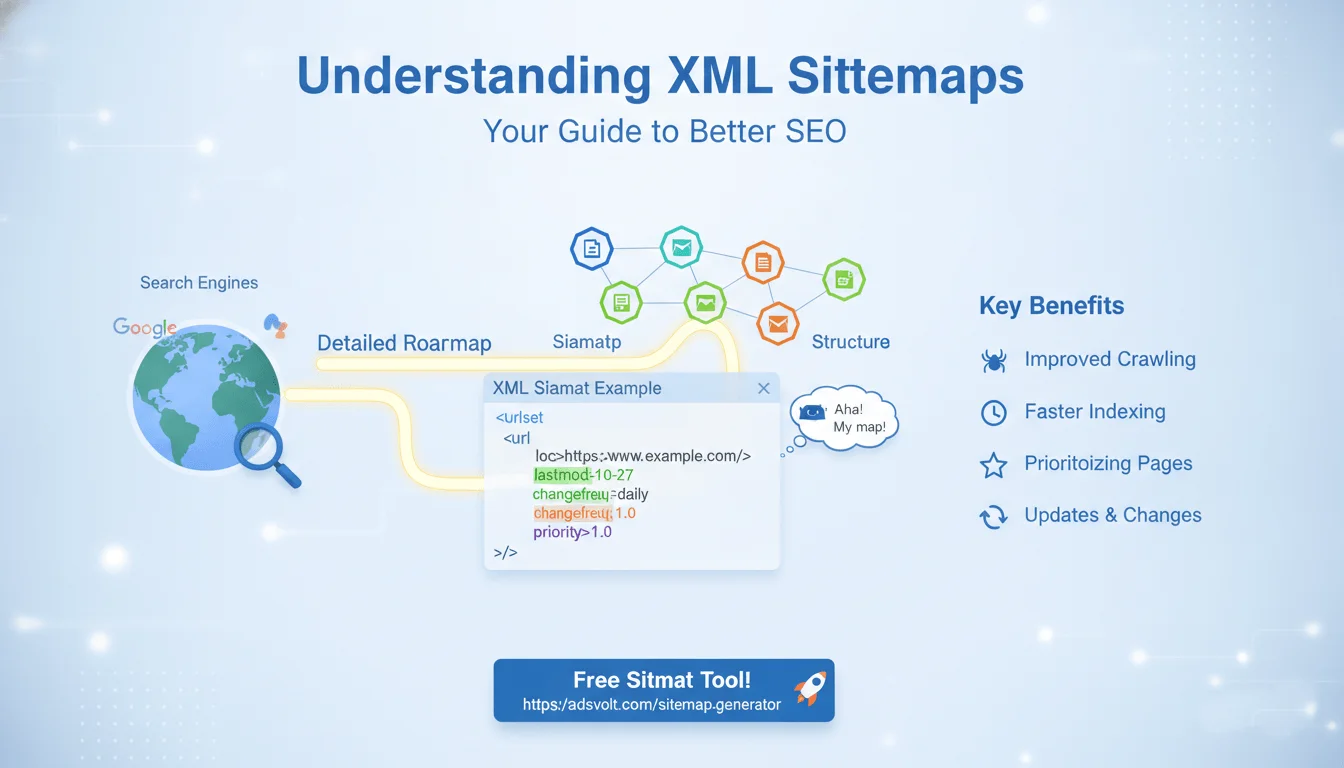
Understanding XML Sitemaps: Your Guide to Better SEO
Have you ever wondered how search engines like Google find all the pages on your website? They use a special map called an XML Sitemap! Think of it as a detailed roadmap for search engines, guiding them through all the important corners of your site.
In this blog post, we'll break down what XML Sitemaps are, why they're super important for your website's visibility, and how you can easily create one.
What is an XML Sitemap?
An XML Sitemap is a file that lists all the important pages on your website that you want search engines to know about and crawl. "XML" stands for Extensible Markup Language, which is just a fancy way of saying it's a format that both humans and computers can read.
Here's a simple way to visualize it: Imagine your website is a huge library. Without a sitemap, a librarian (search engine) might miss some books (pages). With a sitemap, the librarian has a complete catalog, ensuring every book can be found.
Why Are XML Sitemaps So Important for SEO?
XML Sitemaps play a crucial role in your website's Search Engine Optimization (SEO) for several reasons:
Improved Crawling: For new websites or sites with a complex structure, sitemaps help search engine crawlers discover all your pages, even those that might not be linked internally very often.
Faster Indexing: When search engines know about your pages, they can index them faster. Indexing means adding your pages to their vast database, making them available to appear in search results.
Prioritizing Pages: Sitemaps allow you to tell search engines which pages are most important on your site. This helps them understand what content you want to highlight.
Updates and Changes: If you frequently update your content or add new pages, a sitemap tells search engines about these changes quickly, ensuring your freshest content gets noticed.
What Does an XML Sitemap Look Like? (XML Sitemap Example)
An XML Sitemap is essentially a list of URLs with a few extra pieces of information. Here's a basic example:
<?xml version="1.0" encoding="UTF-8"?>
<urlset xmlns="http://www.sitemaps.org/schemas/sitemap/0.9">
   <url>
      <loc>https://www.example.com/</loc>
      <lastmod>2023-10-27</lastmod>
      <changefreq>daily</changefreq>
      <priority>1.0</priority>
   </url>
   <url>
      <loc>https://www.example.com/about-us/</loc>
      <lastmod>2023-10-20</lastmod>
      <changefreq>monthly</changefreq>
      <priority>0.8</priority>
   </url>
   <url>
      <loc>https://www.example.com/blog/my-latest-post/</loc>
      <lastmod>2023-10-26</lastmod>
      <changefreq>weekly</changefreq>
      <priority>0.7</priority>
   </url>
</urlset>
Let's break down the important tags you see here:
<urlset>: This is the main container for all your URLs.
<url>: Each <url> tag contains information about a single page on your website.
<loc>: This stands for "location" and is the full URL of the page. This is the only required tag.
<lastmod>: This tells search engines when the page was last modified. It helps them know if they need to re-crawl the page for updates.
<changefreq>: (Sitemaps Changefreq) This tag suggests how frequently the page is likely to change. Common values include:
always (for very frequently changing content)
hourly
daily
weekly
monthly
yearly
never (for archived content)
Important Note: This is just a suggestion. Search engines will decide how often to crawl based on many factors.
<priority>: This tag suggests the priority of a URL relative to other URLs on your site. The value ranges from 0.0 to 1.0. A higher value means the page is more important.
1.0 is typically for your homepage.
0.8 might be for important service pages.
0.5 is the default and often used for less critical pages like old blog posts.
Important Note: Like changefreq, this is just a suggestion and doesn't guarantee higher rankings.
How to Create an XML Sitemap (Sitemap XML Example)
Creating an XML Sitemap might sound technical, but it's actually quite easy, especially with the right tools!
Manual Creation (Not Recommended for Most): You could manually list every page and add the necessary tags, but this is time-consuming and prone to errors, especially for larger sites.
Using a CMS Plugin (Recommended for WordPress, etc.): If you use a Content Management System (CMS) like WordPress, there are excellent plugins (like Yoast SEO or Rank Math) that automatically generate and update your sitemap for you. This is usually the easiest way.
Online Sitemap Generators (Recommended for Static Sites or Quick Generation): For websites that don't use a CMS or if you want a standalone tool, online sitemap generators are fantastic. You just enter your website's URL, and the tool crawls your site and generates the sitemap.xml file for you.
Pro Tip: If you're looking for a great free tool to generate your sitemap, check out our very own Adsvolt Sitemap Generator at https://adsvolt.com/sitemap-generator. It's super easy to use and will help you create a perfect sitemap in minutes!
`
Submitting Your Sitemap to Search Engines
Once you have your sitemap.xml file, the next crucial step is to tell search engines about it. The most common way to do this is through Google Search Console (formerly Google Webmaster Tools).
Verify Your Website: First, you'll need to verify ownership of your website in Google Search Console.
Go to Sitemaps: In Search Console, navigate to the "Sitemaps" section.
Add New Sitemap: Enter the URL where your sitemap is located (usually https://www.yourwebsite.com/sitemap.xml) and click "Submit."
Google will then crawl your sitemap, discover your pages, and begin the process of indexing them.
Final Thoughts
XML Sitemaps are a fundamental part of good SEO. They act as a helpful guide for search engines, ensuring your content is found, understood, and potentially ranked higher in search results. Don't leave your website's visibility to chance – create and submit your XML Sitemap today!

No comments yet.
Be the first to share your thoughts!